
InboxLoop / Instagram workflows
Instagram product carousels, inside your DMs
Turn a product question into a visual choice. Add product images, details and destination buttons to a supported InboxLoop automation.
Available free to start. Messaging rules and technical limits apply.
From a comment to a collection
A plain link works for one destination. A carousel helps when someone needs to choose. Present several products inside the conversation, then send the person to the destination they select. The example below uses fictional products and a simulated conversation.
From one comment to a product choice
- Comment contains DETAILS
On the selected Instagram Reel
- Opening message
Continues after the person taps its button
- Product choices
Images, details and destination buttons
- Tracked clicks
Interest signals, not confirmed sales
Browse the example products, then tap View product to reach the last step.
Commented “DETAILS”
Thanks for asking! Tap below and I'll send the details.
Here are the details you requested.
$49 · A closer look at the new collection.

Build the conversation in order
- Select a supported automation template, choose its media or event, and configure the keyword trigger where applicable.
- Configure the reply. Comment-to-DM uses an opening-message button; the person must interact before the rest of that workflow continues. Add a follow gate only when it fits the experience.
- Enable product carousel. Choose saved products or add a product manually, then review its image, title, optional price and description.
- Add destination buttons and enable tracking for the links you want to measure. Use valid HTTPS destinations you control or have permission to share.
- Preview the message, publish, and test with a consenting account. Confirm the card order, destinations and actual execution status.
What each carousel can contain
These are the current InboxLoop builder and backend validation limits, not universal Instagram sending allowances.
- Product cards
- Up to 10 per carousel.
- Image and title
- An image and a product title up to 80 characters.
- Optional price
- A display text field up to 5 characters. It does not calculate tax, inventory or checkout totals.
- Optional description
- Up to 75 characters. Price, separator and description together must fit the 80-character subtitle limit.
- Destination buttons
- 1 to 3 per product. Each label is up to 20 characters and each destination must use HTTPS.
- Link tracking
- An optional setting on supported destination buttons. See clicks after a real message interaction.
Use the space for a real decision
A boutique collection
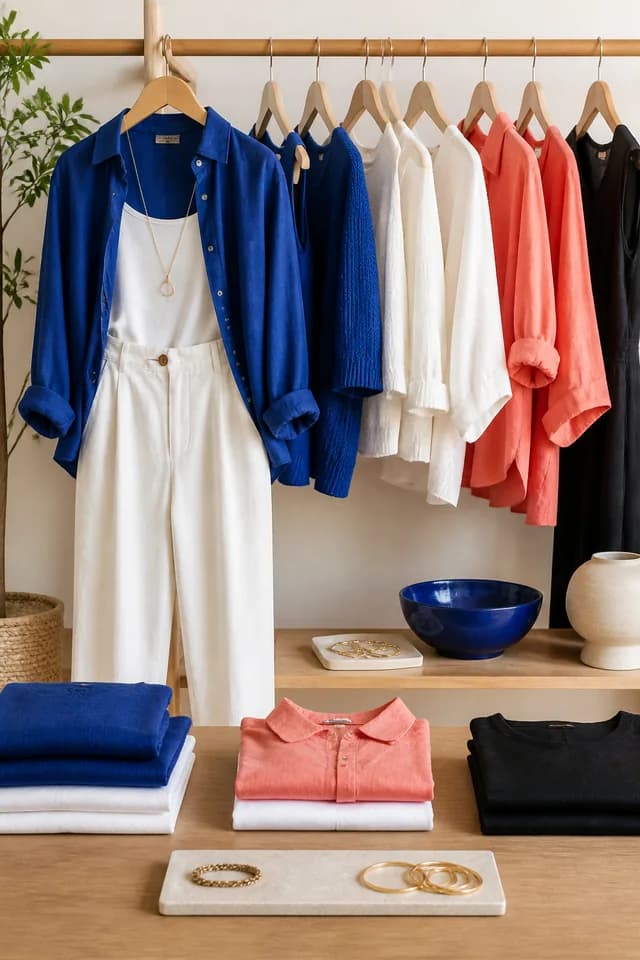
Someone asks about the outfit in a Reel. Show the featured items as separate cards, with a destination for each. Keep images and descriptions current before publishing.
A creator's resources
A keyword request can lead to a workbook, a guide or a workshop information page. Give each card a clear label so the person can choose the resource that matches their question.
Know where the feature stops
The carousel presents information and links. It does not provide native checkout, automatic catalogue synchronization, stock management or purchase attribution. Maintain product details yourself. Sending also depends on an eligible conversation, permissions and platform rules; a comment is not permission for unlimited follow-ups.
Questions about product messages
Is the carousel included?
Yes, product carousels are included on every plan. Messaging rules and technical limits still apply; launch access is not a lifetime pricing promise.
Does InboxLoop import my store automatically?
No automatic store synchronization is promised. Choose products from your InboxLoop library or enter the supported fields manually.
Can I see which product people clicked?
Enable tracking on supported destination buttons and review the link analytics. Clicks indicate an interaction with a link, not a confirmed sale.
Start with one conversation
Make your next reply more useful.
Connect an Instagram Professional account, preview your workflow and test it before using it with your audience.